

Free development tool for Android apps
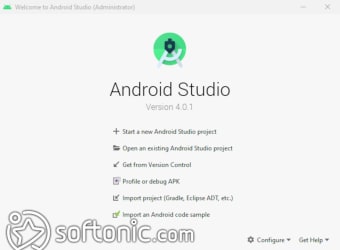
Android SDK is a free and specialized programming language that allows you to create Android apps. Developed by Google for its Android platform, Android SDK is a handy program for mobile app developers, whether they be beginners or veterans. As of 2015, Android SDK is now included in Android Studio, Google’s official integrated development environment (IDE) for the Android operating system.
Top Recommended Alternative

Your app’s origin story
A software development kit or an SDK is a compilation of software development tools in one installable package. You can expect these kits to mostly have all the tools necessary to code programs from scratch and even test them. As such, you can expect to find compiling tools, debugging tools, and maybe a software framework.
SDKs tend to be required when you want to develop a program specific to a platform. This is why operating systems like Android and iOS have their own SDKs optimized for them. Thus, this isn’t anything new for Google’s Android, which is quite popular for being versatile with its free and open-source means of app development.
All there in the title
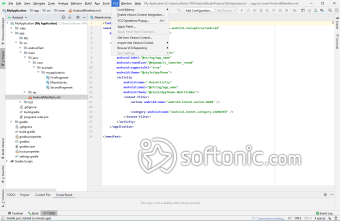
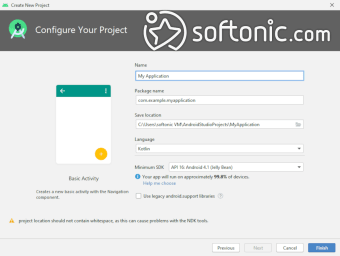
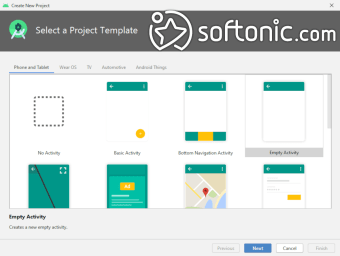
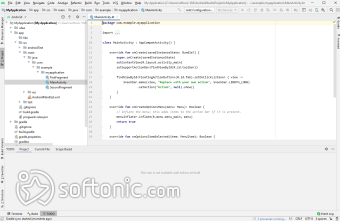
Aptly named Android SDK, this kit is your go-to program if you’re planning on creating your own Android apps. Nowadays, you can get Android SDK alongside Android Studio, which makes things all the more easier since it expands on Android SDK’s original line-up of programming language support. From Java to C++, you can easily use these languages with Android Studio. However, Android SDK still has its merits when alone.
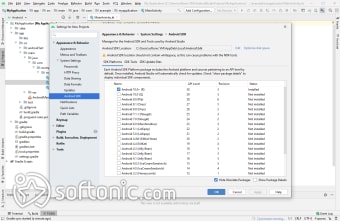
For one, it has its own virtual device manager or emulator when you can test out your projects. Android SDK also supports command-line function with its Android Debug Bridge (ADB)—and even a command-line version of APK Analyzer. You can find basic tools for debugging and such, and even platform-dependent tools that are always backward-compatible with older Android versions. There are even some features like Google Play Billing and Google Play Licensing that will further support your app once it’s finished.
Still useful while alone
When it comes to developing for Android, it’s best to go with the official development kits. However, while Android SDK is already integrated into Android Studio, you can still use it on its own—especially when you need to use an IDE different from Android Studio. Perhaps the only downside to this is that you need to constantly update Android SDK since it doesn’t easily get its updates, as compared to Android Studio. All in all, though, this is a program Android app developers can’t overlook.








.png)



.png)






.jpg)